
Get a Custom Deal Guidance GPT Built Inside Your ChatGPT Account!
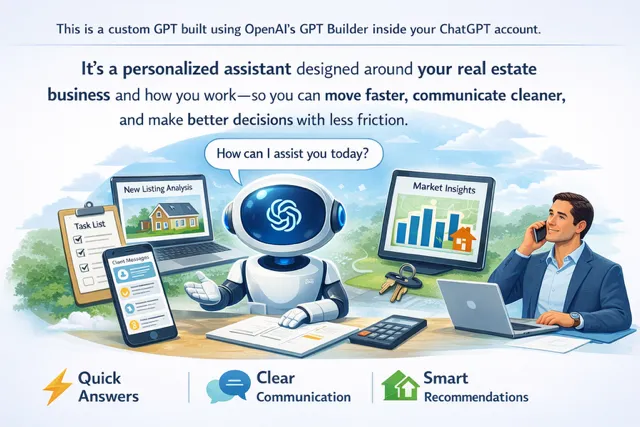
A done-with-you setup that bakes in your voice, your market, your rules, and your workflow—so your GPT feels like it was made for you from day one.
What This Is?
Requirements
WHAT YOU GET
HOW IT WORKS
Step 1 — Personalization Intake (Done Before We Build)
Before we touch the builder, you answer a short set of personalization questions (name, tone, market, boundaries, scripts). This is what makes your GPT sound like you and behave like your business.
Step 2 — Build Session (On Your Laptop, In Your Account)
1. You log into ChatGPT on your computer (you keep your password private).
2. We open the GPT Builder and configure the GPT with the instruction framework and settings.
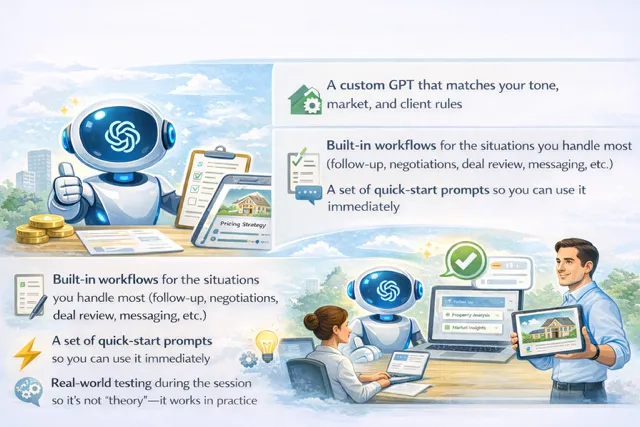
3. We run live tests using your real scenarios (buyers/sellers/investors/objections) and tighten responses until it’s right.
4. You leave with your working GPT in your account, ready for daily use.
FAQ
Do I need a paid ChatGPT plan?
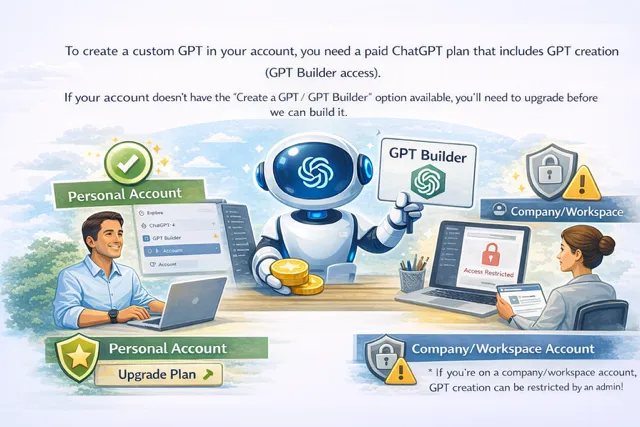
Yes. Creating a GPT requires GPT Builder access, which is available on paid plans that include GPT creation.
Do you need my password?
No. You log in yourself. I guide the setup and build with you.
Can we do this if I’m on a company/workspace account?
Usually yes—unless GPT creation is restricted by an admin.
How do I know if my account qualifies before we meet?
Log into ChatGPT and look for the option to create a GPT / access the GPT Builder. If you don’t see it, you’ll need to upgrade.
Ready to build yours?
If you want a GPT that sounds like you and fits your real workflow, book a build session and we’ll get it set up inside your account.